By Aram Velazquez, Verge Media
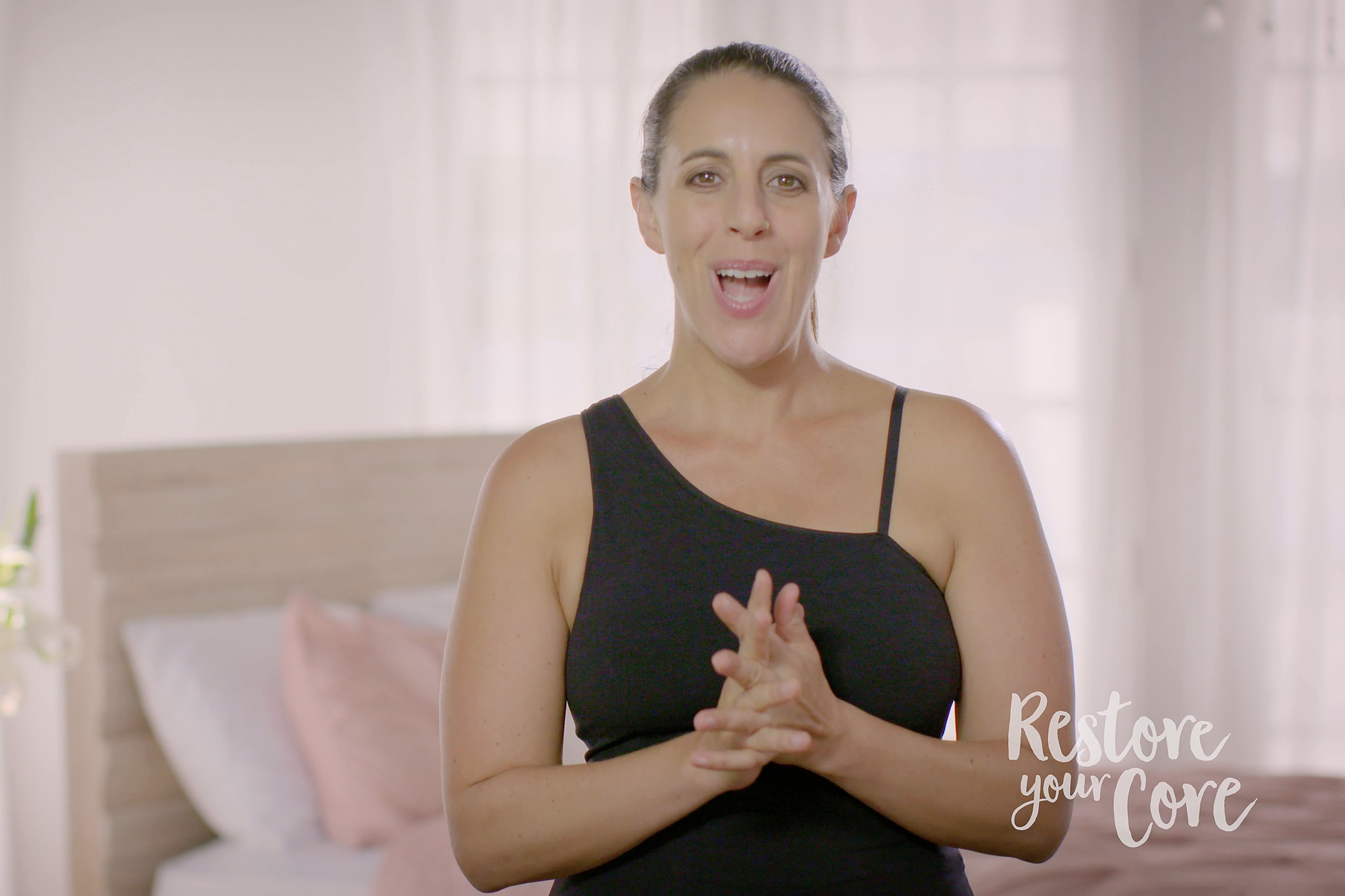
Our work with Lauren Ohayon on Restore Your Core includes the teaching videos and the promos that introduce the program. They serve different purposes, but both need to make Lauren’s instruction clear and approachable. The finished promos bring together her presentation, movement demonstrations and participant perspectives.
Program Promo · 2:32
Restore Your Core: Program Promo
Giving the demonstration room
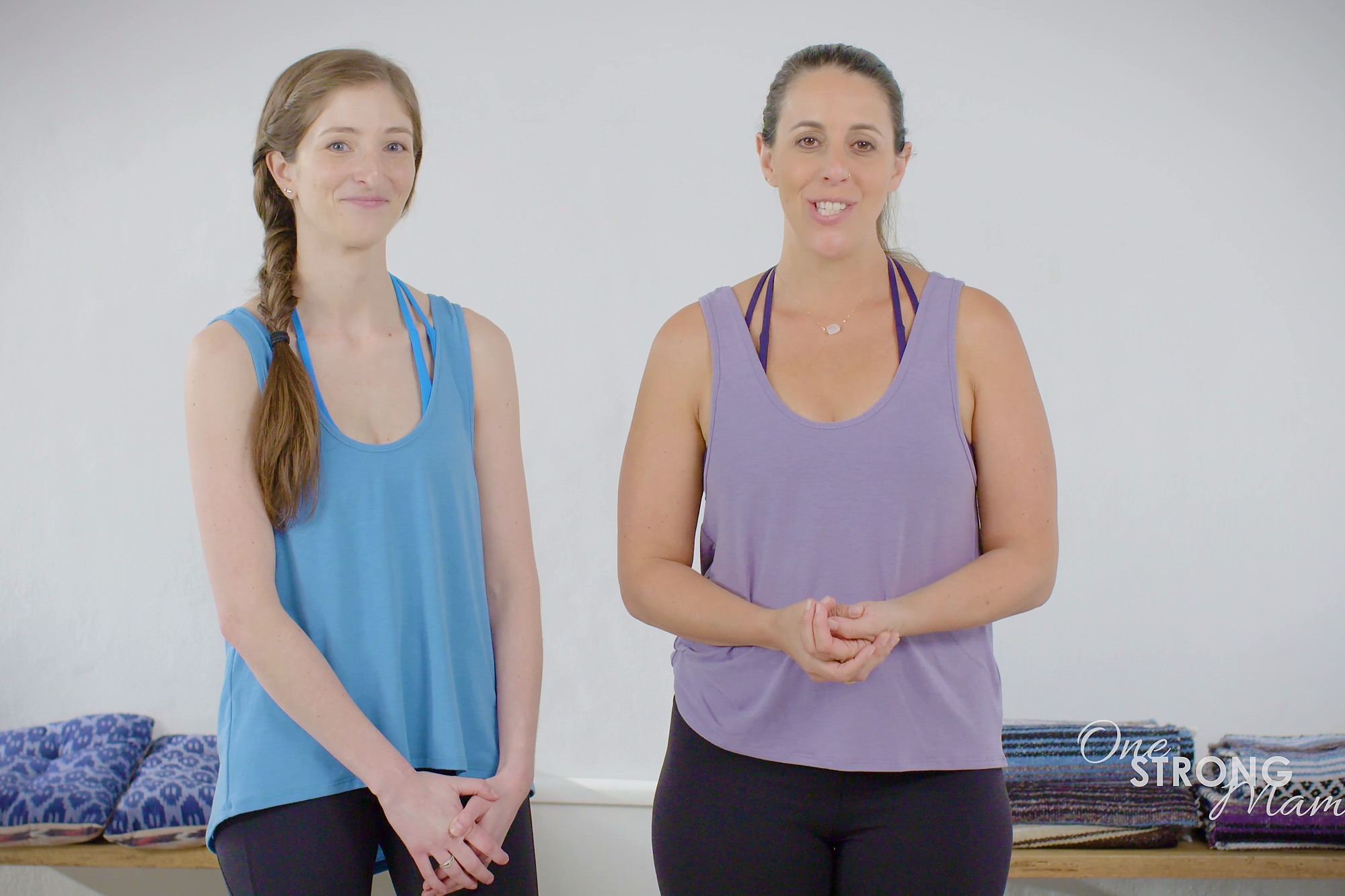
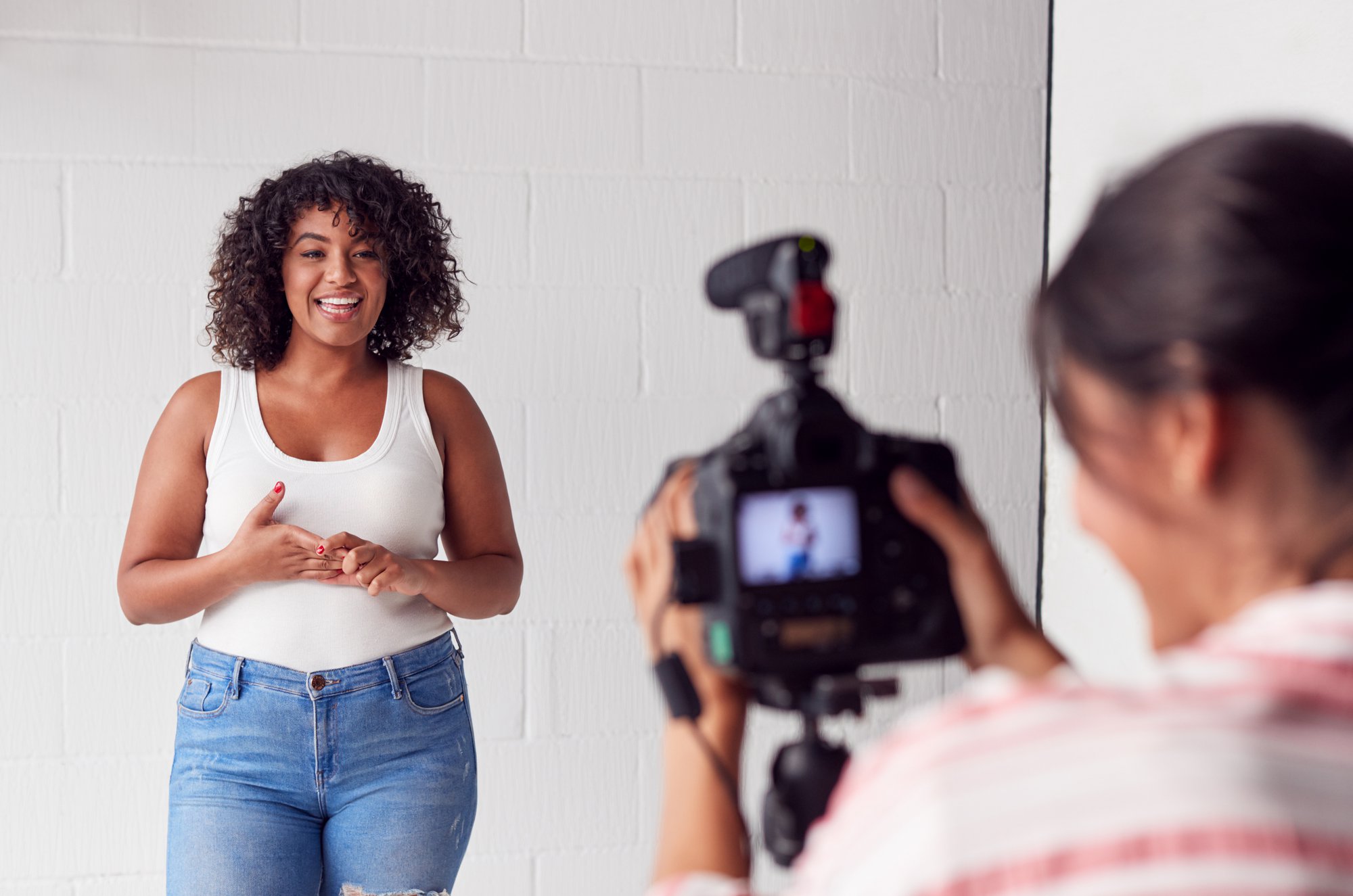
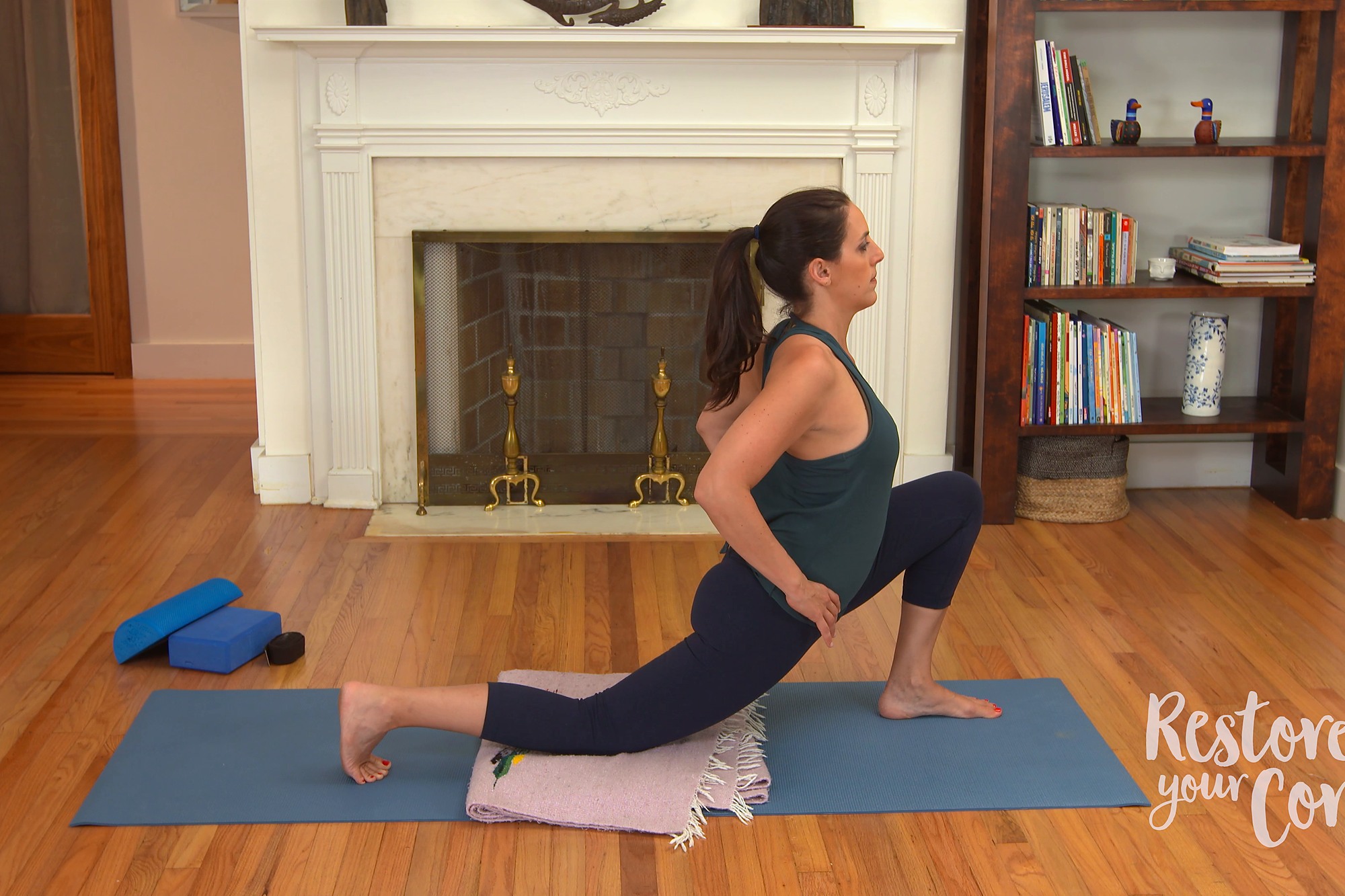
Filming movement starts with a practical question: can someone watching at home see what the instructor is doing? A wider view keeps the whole demonstration visible. A closer view can draw attention to the instructor or a smaller detail, provided it does not interrupt the explanation.
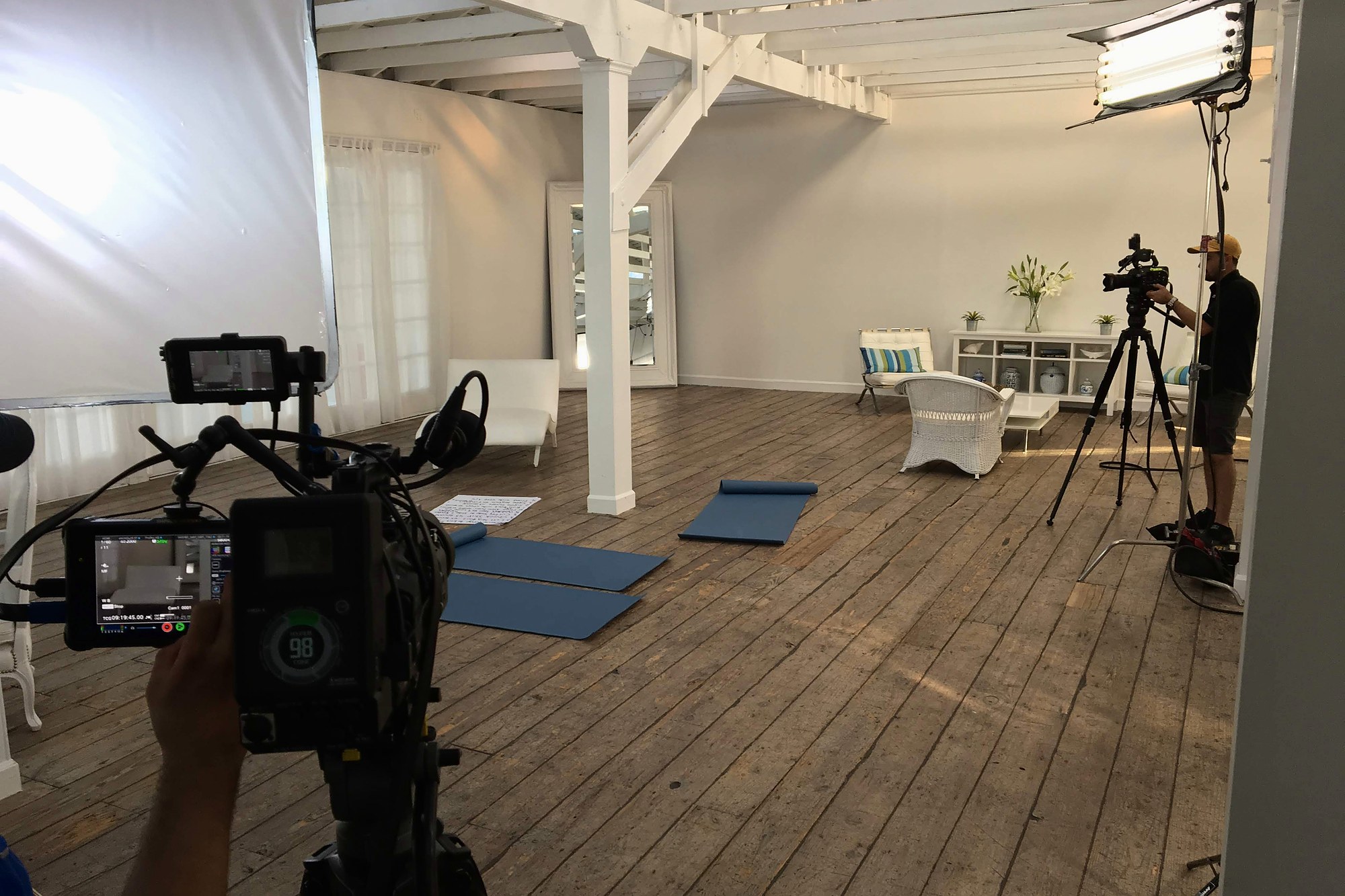
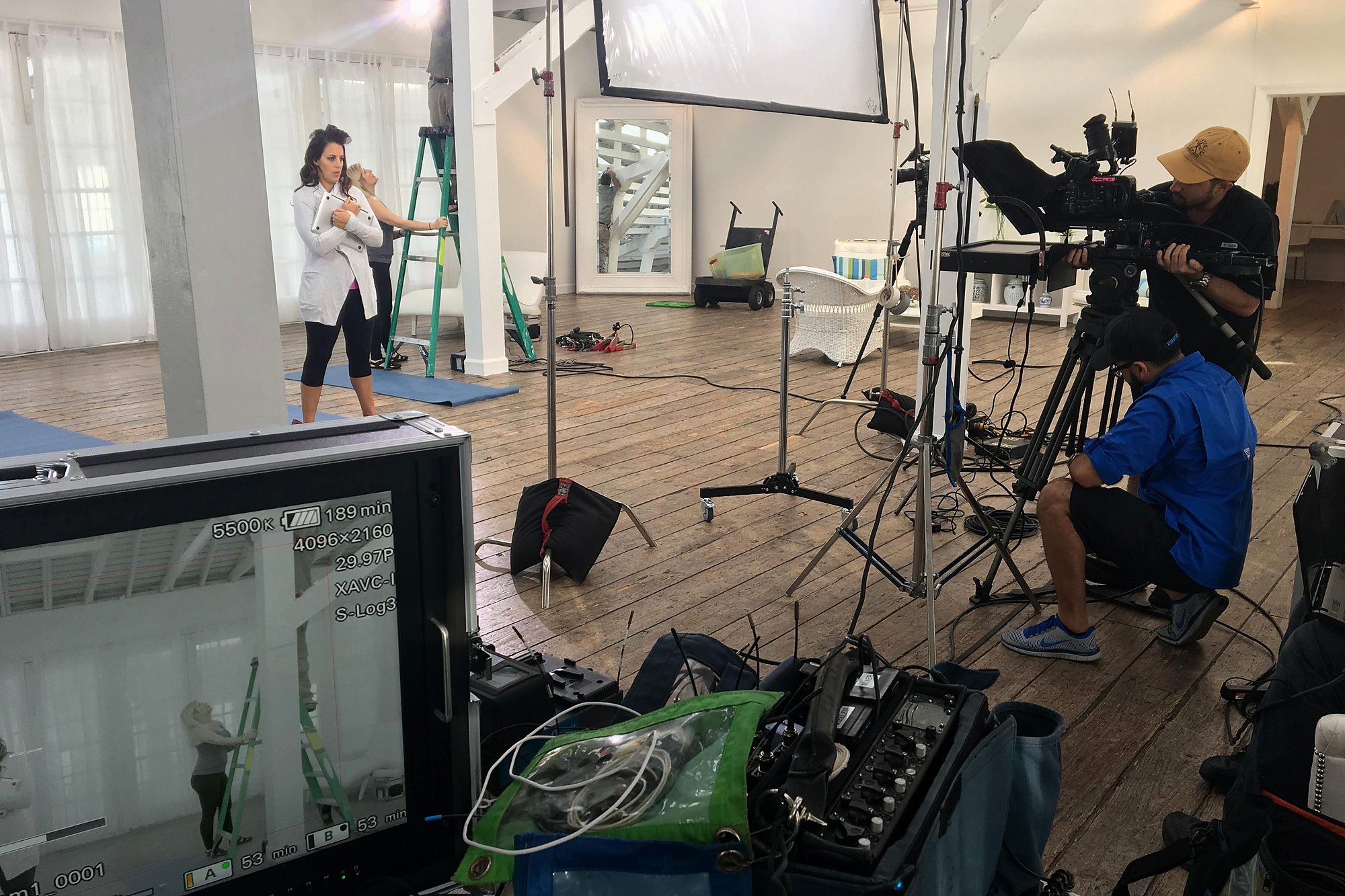
The teaching space has to work for the instructor as well as the camera. Exercise mats, the background and the room around the demonstration become part of the setup. The viewer sees the lesson, while the production team has to account for everything surrounding it.
What sits outside the frame
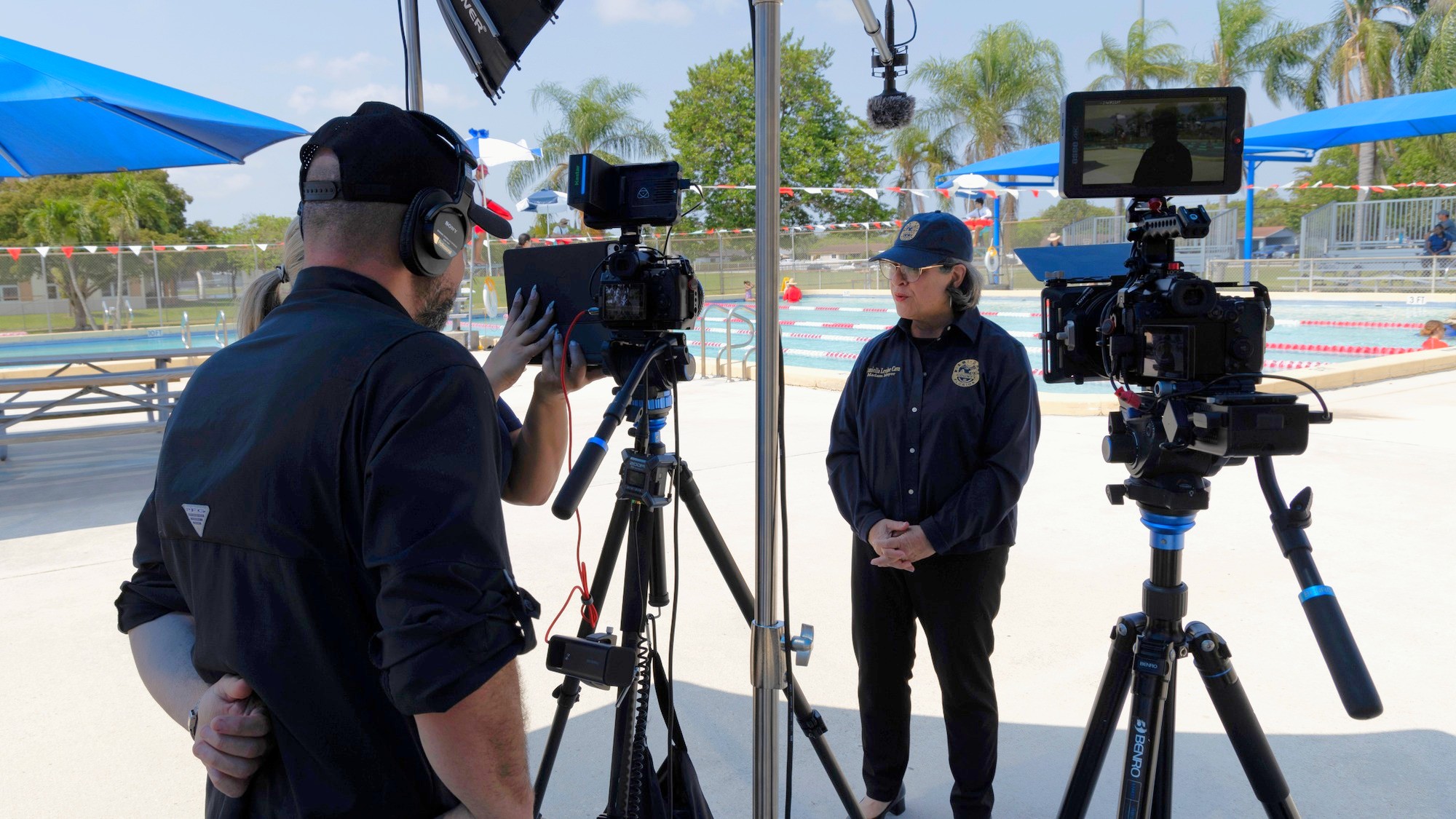
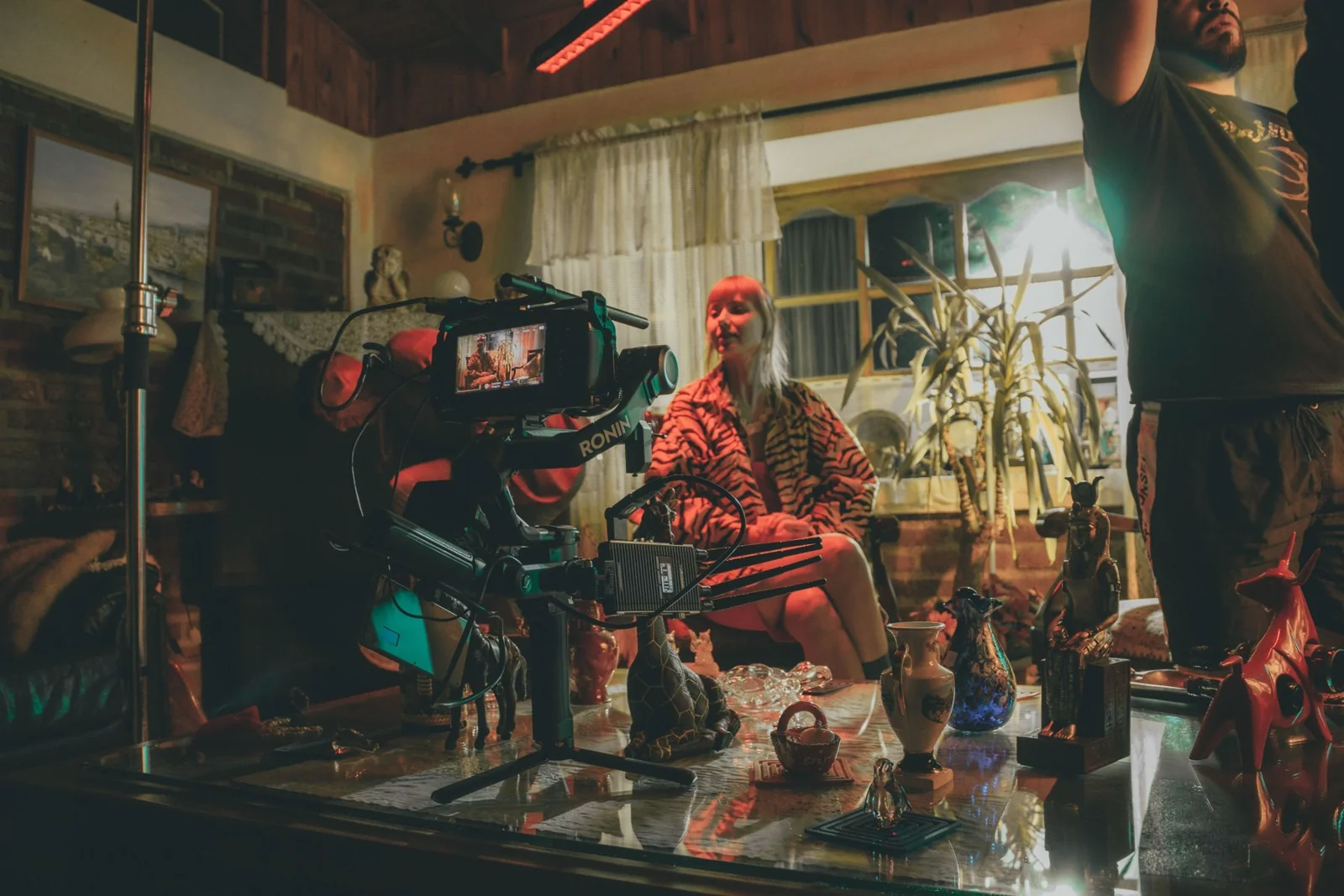
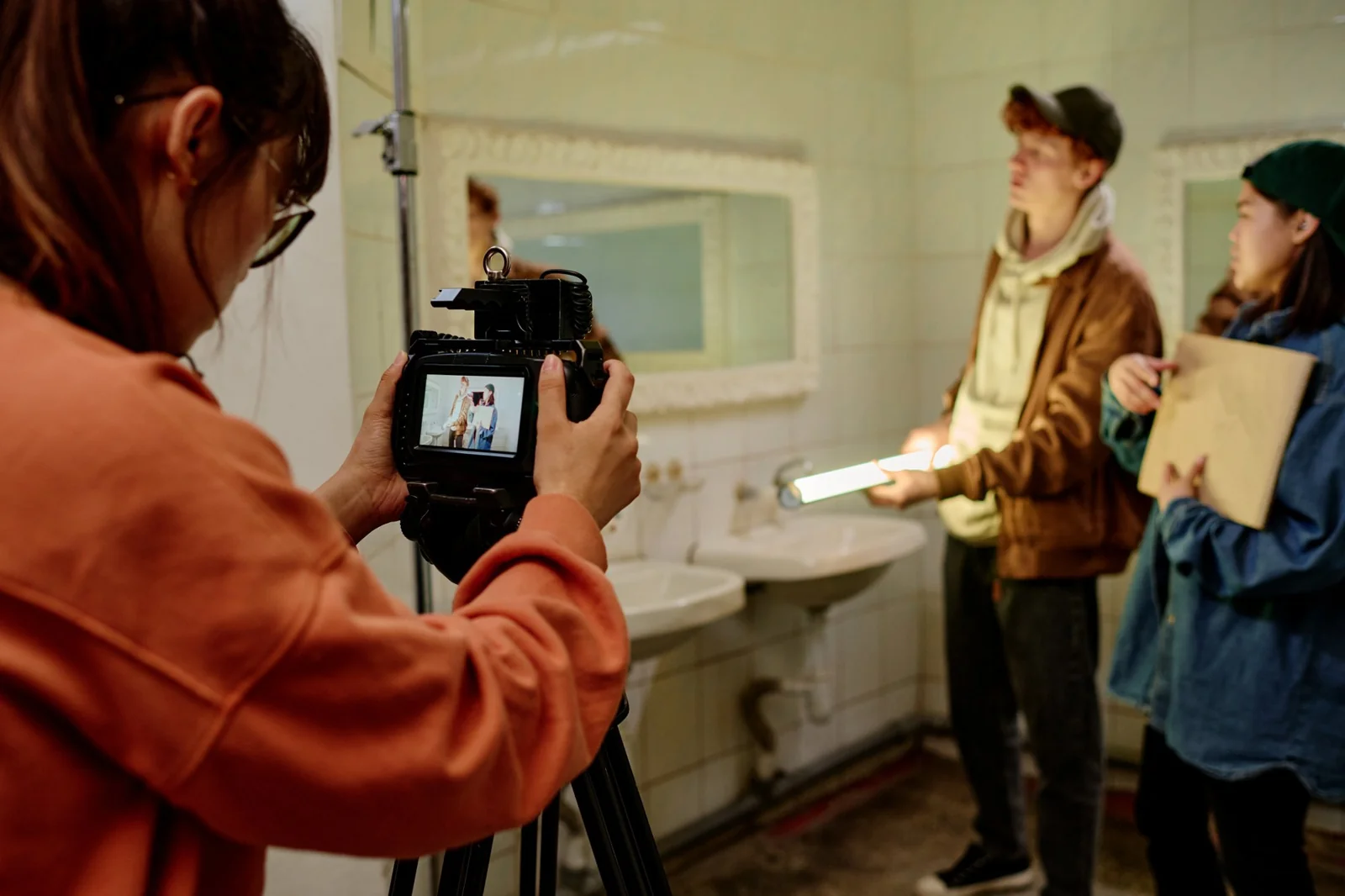
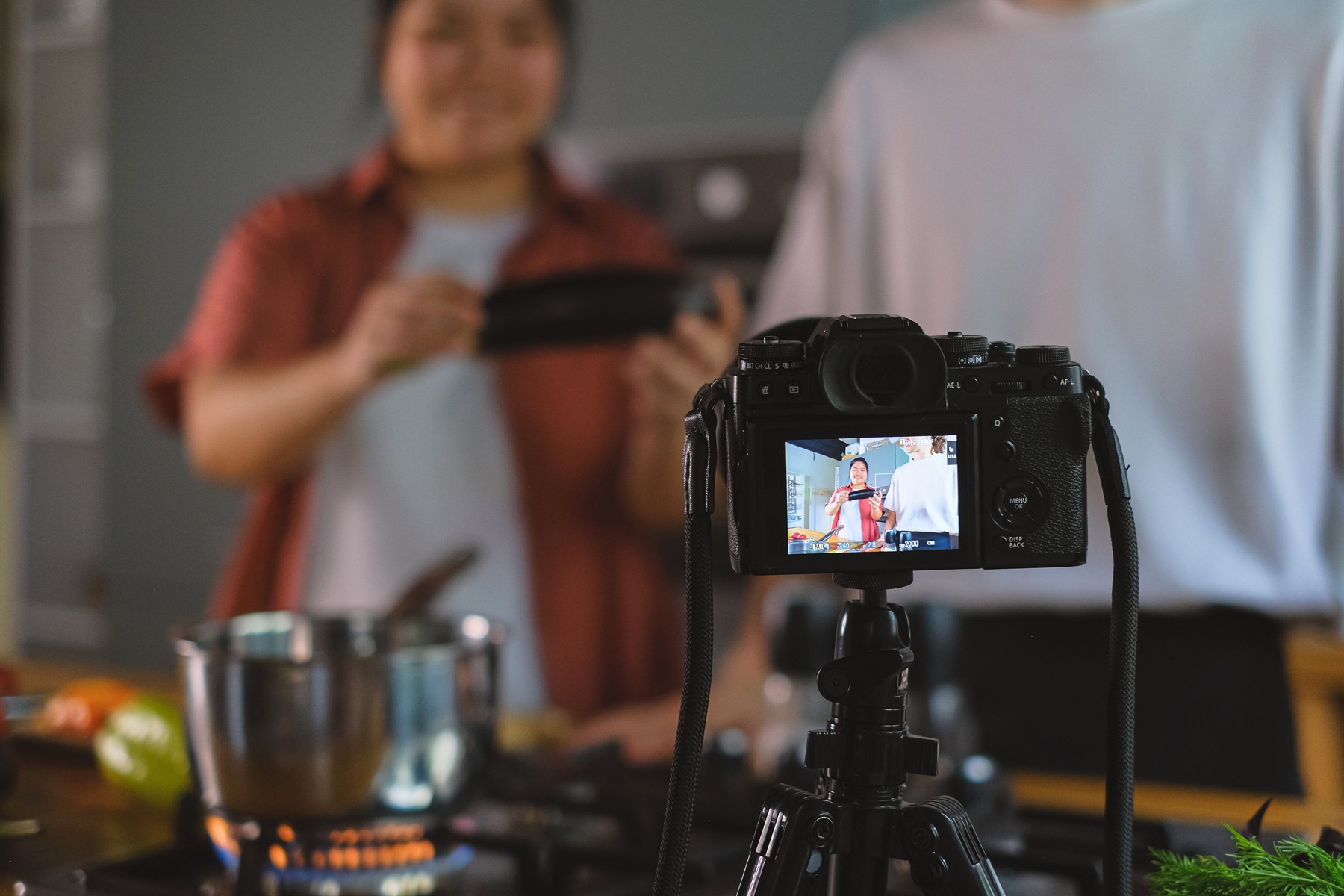
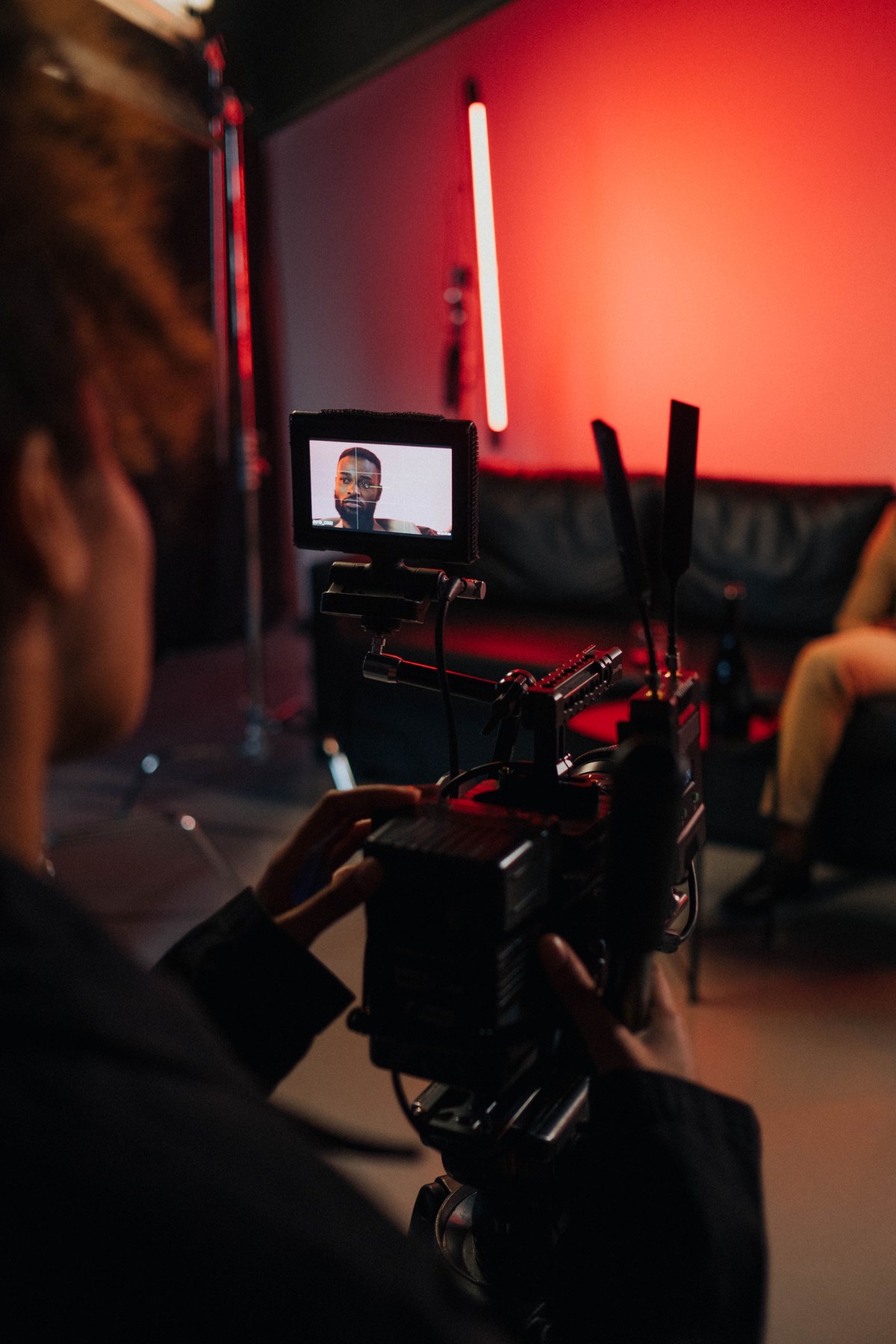
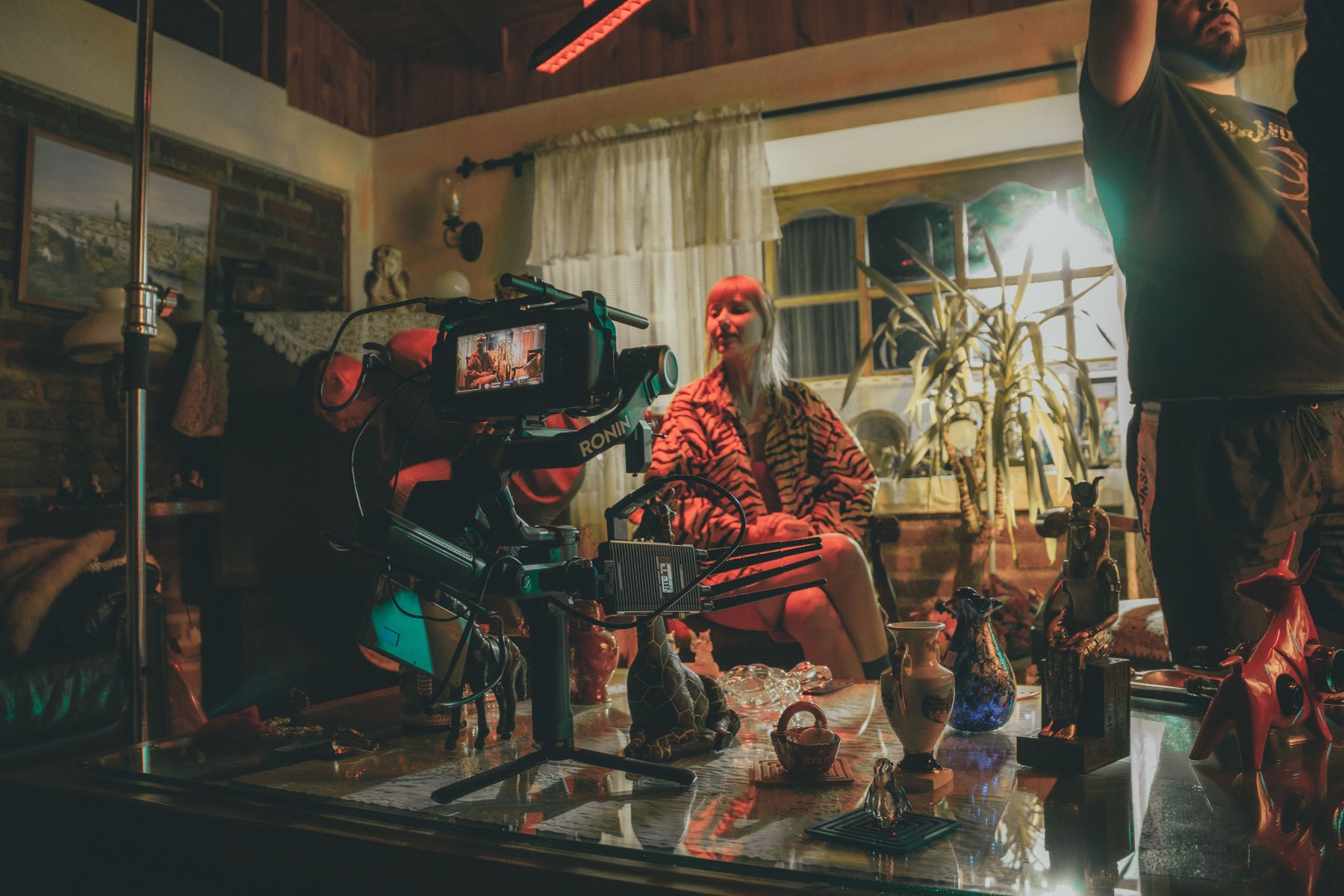
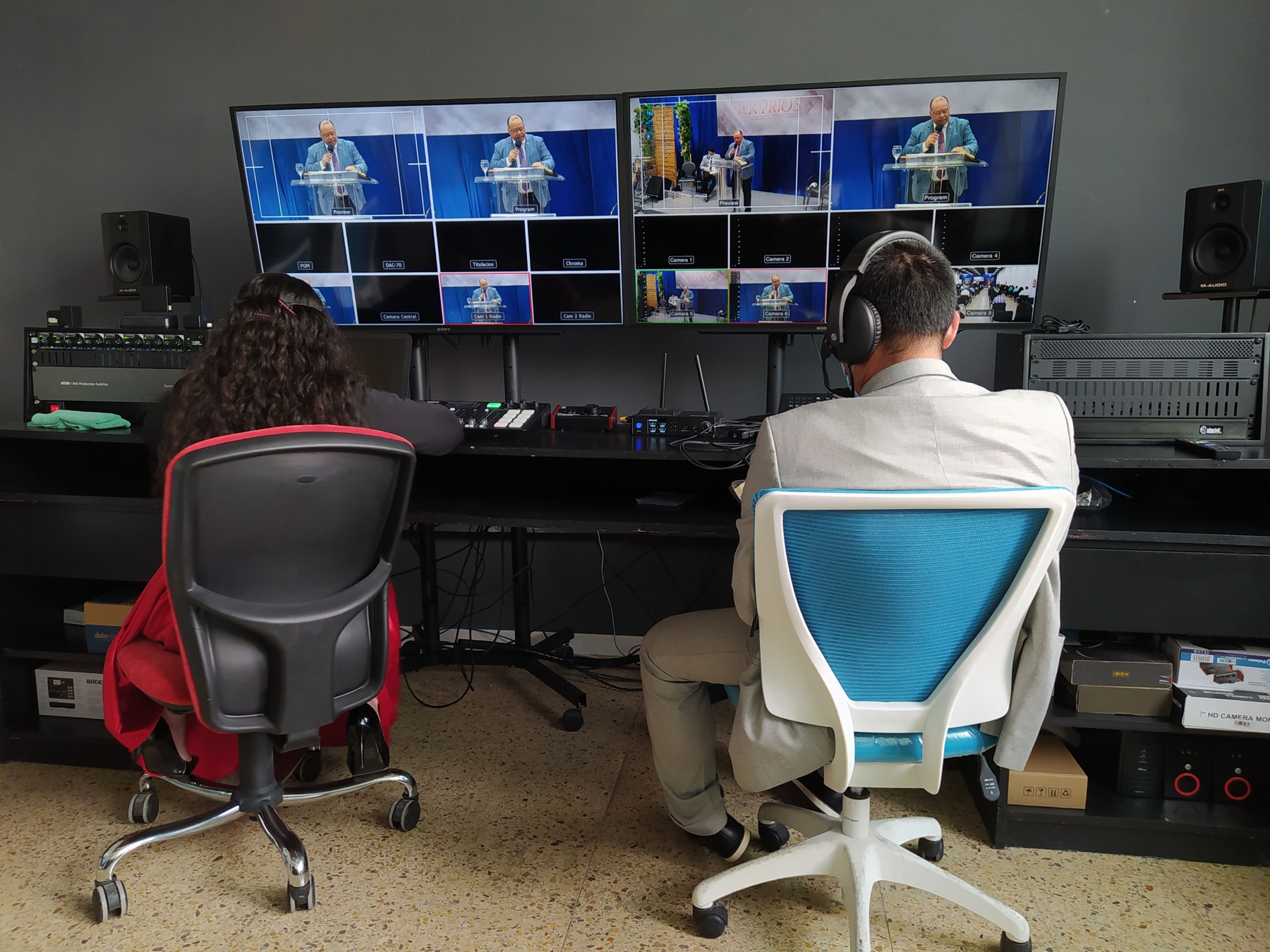
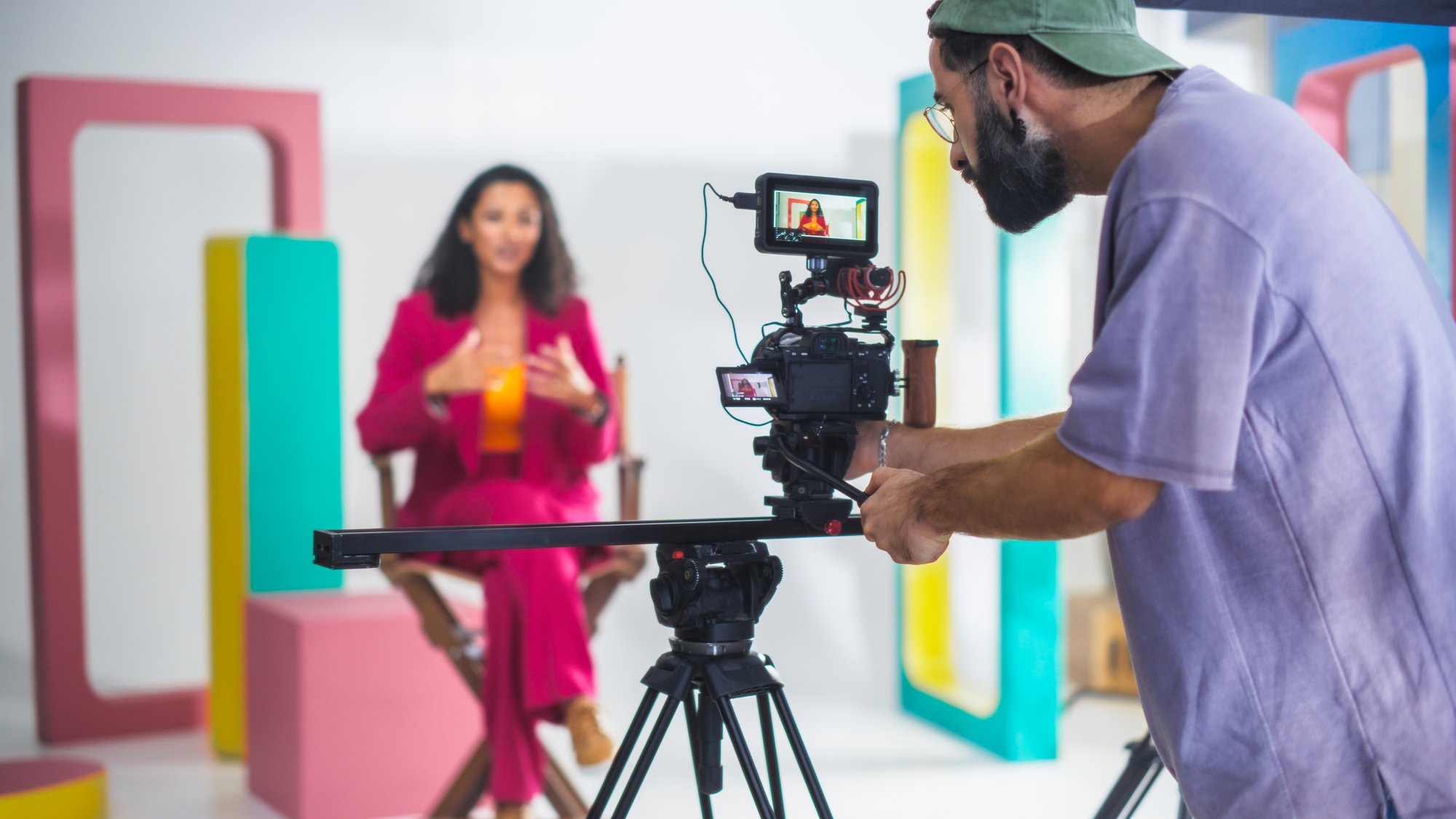
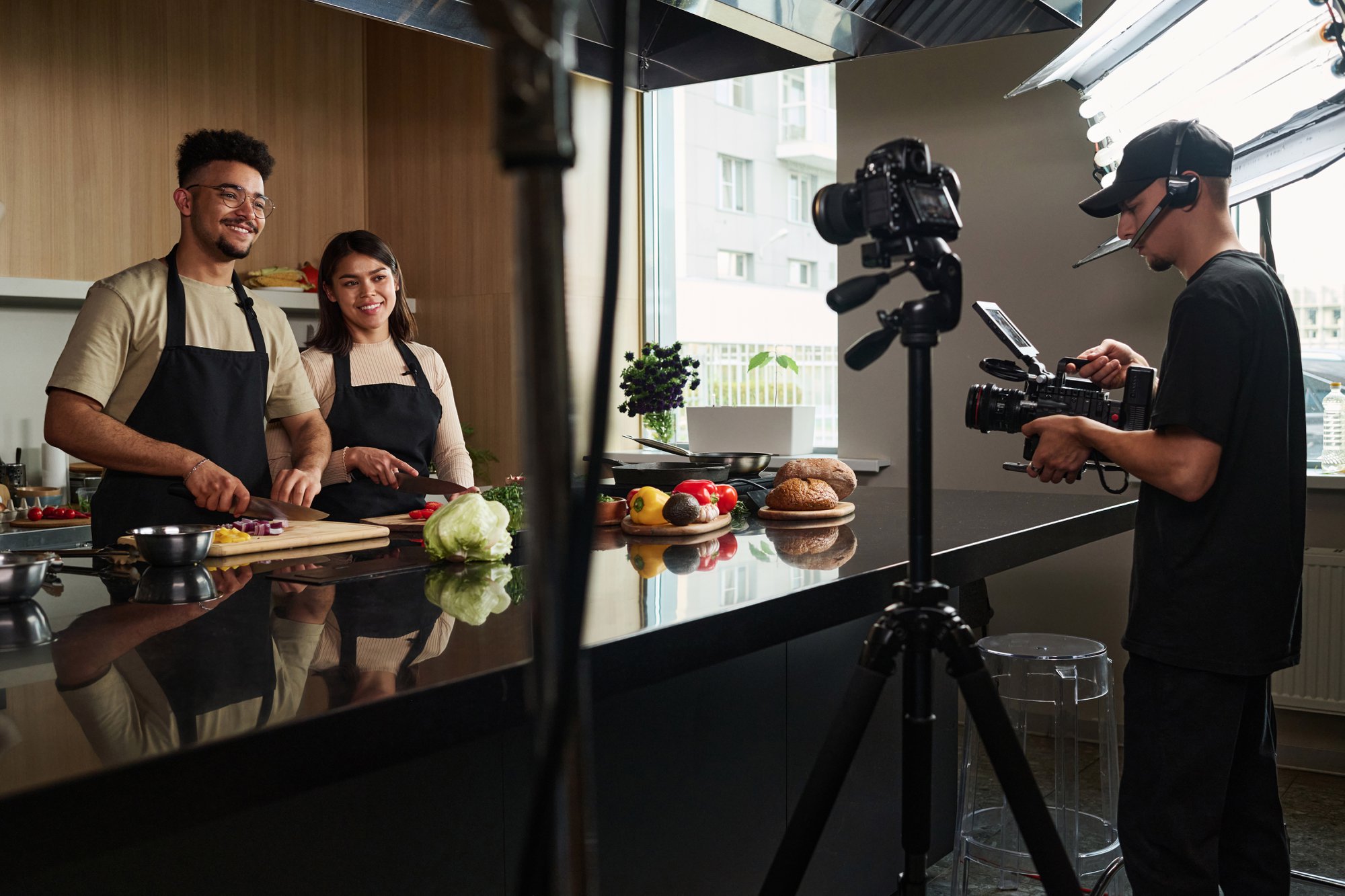
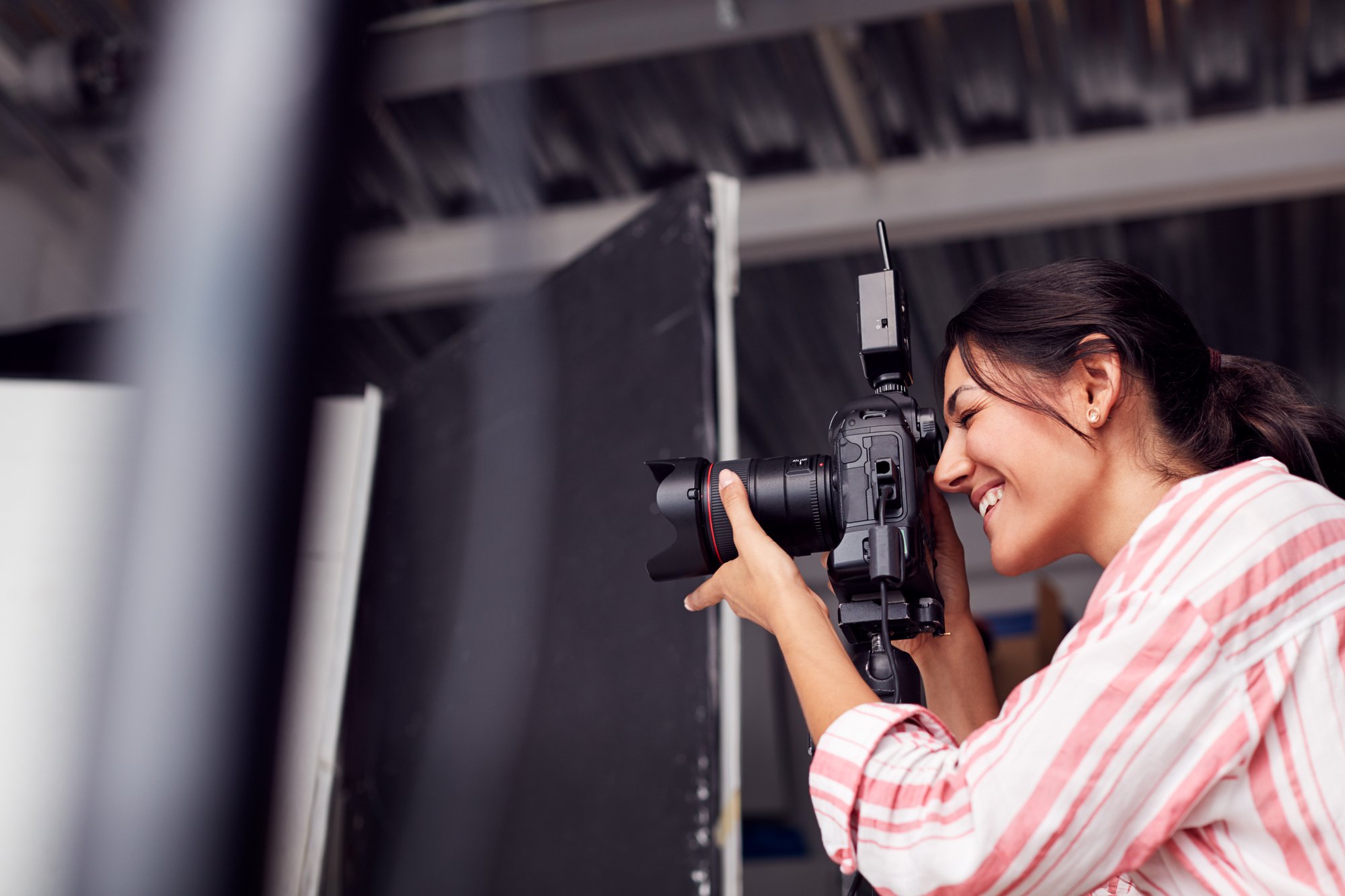
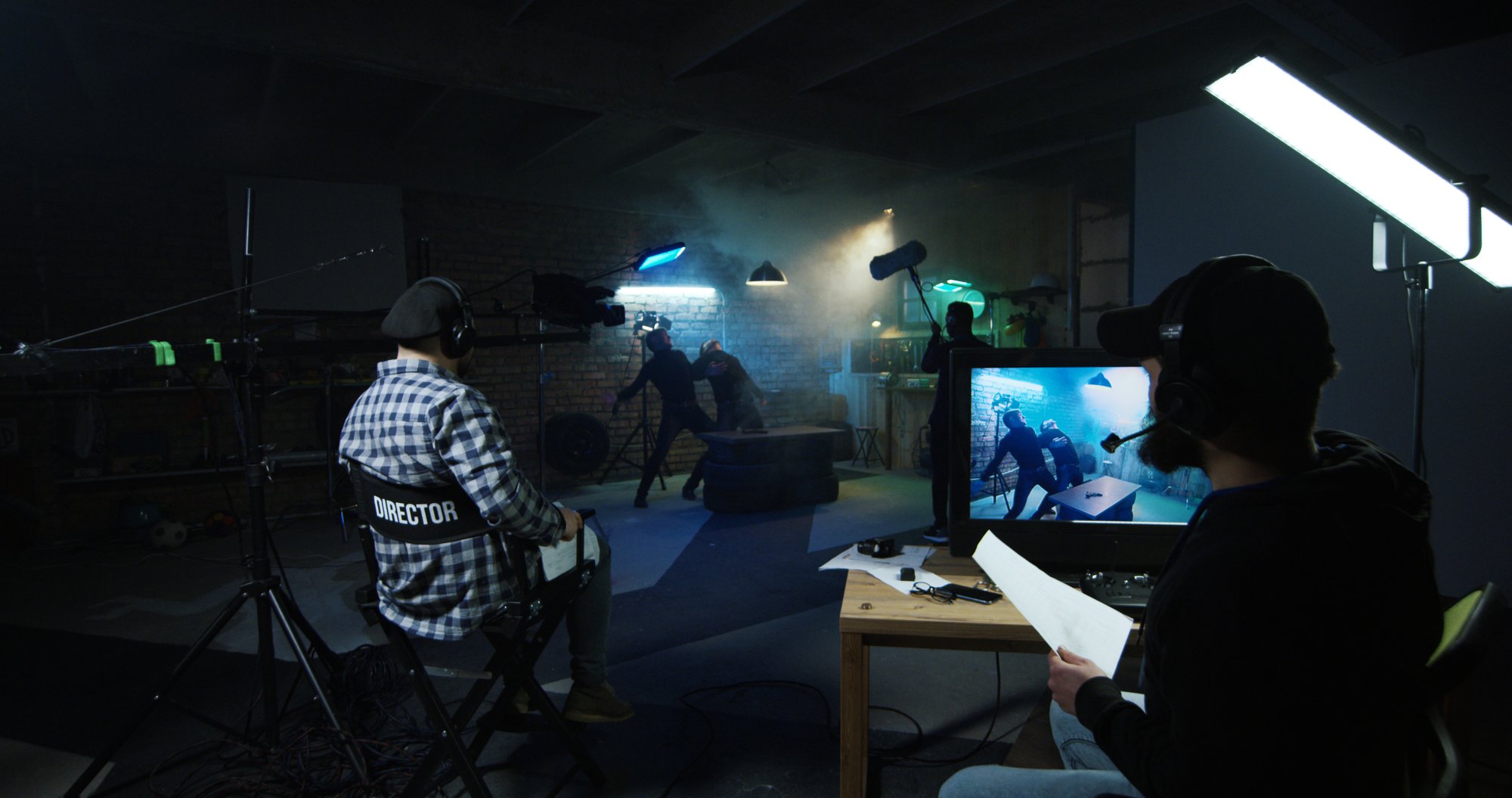
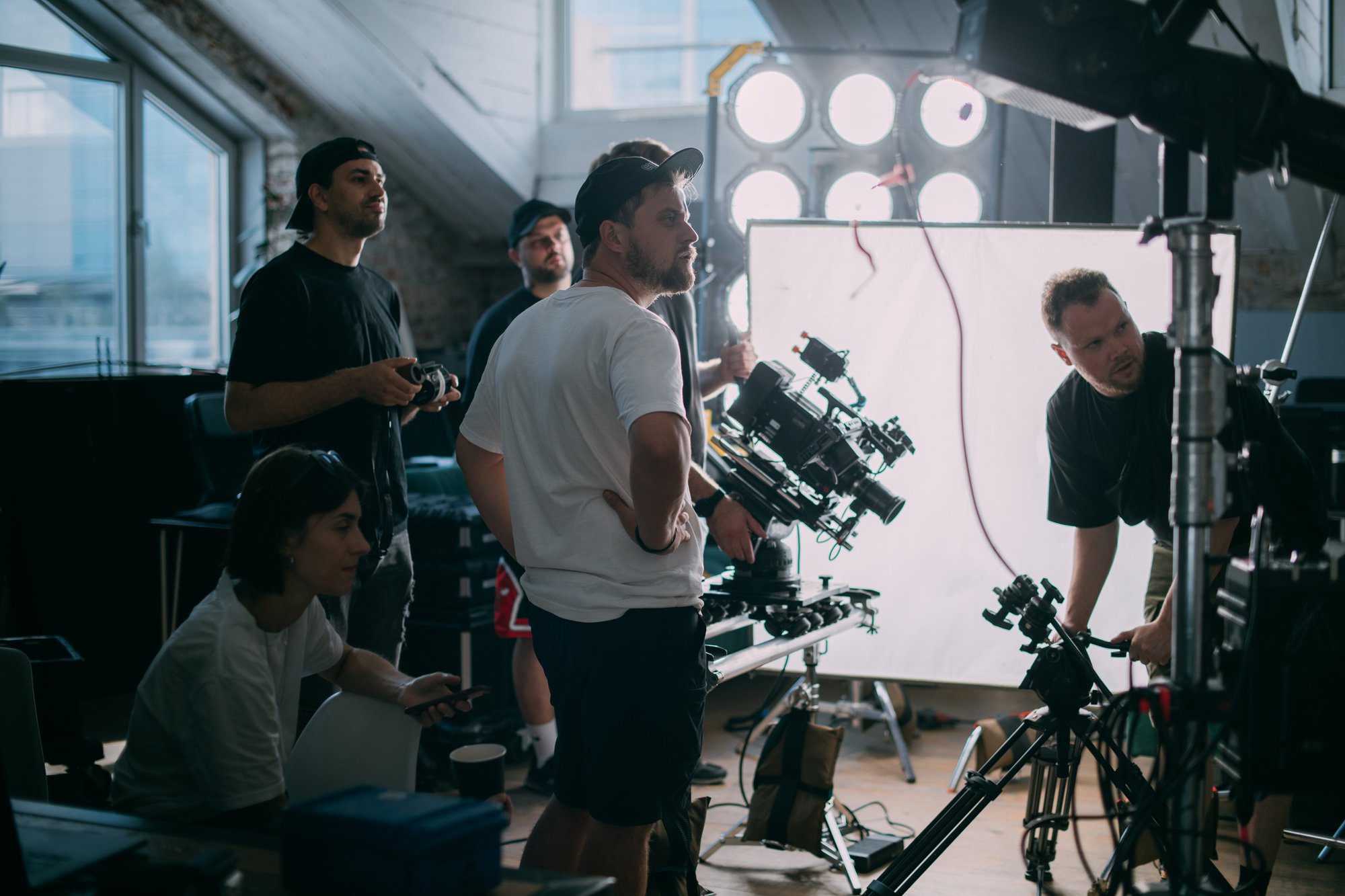
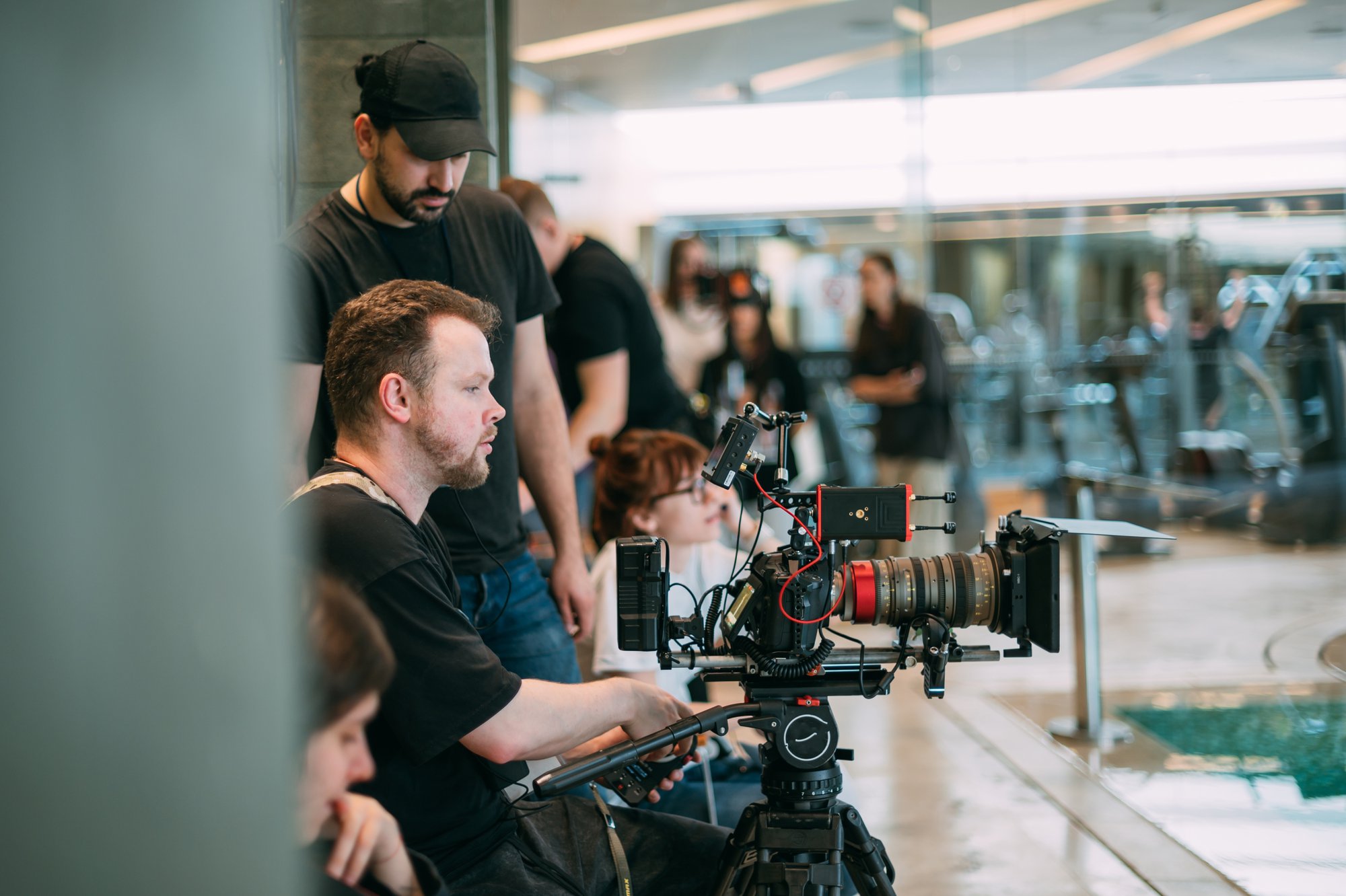
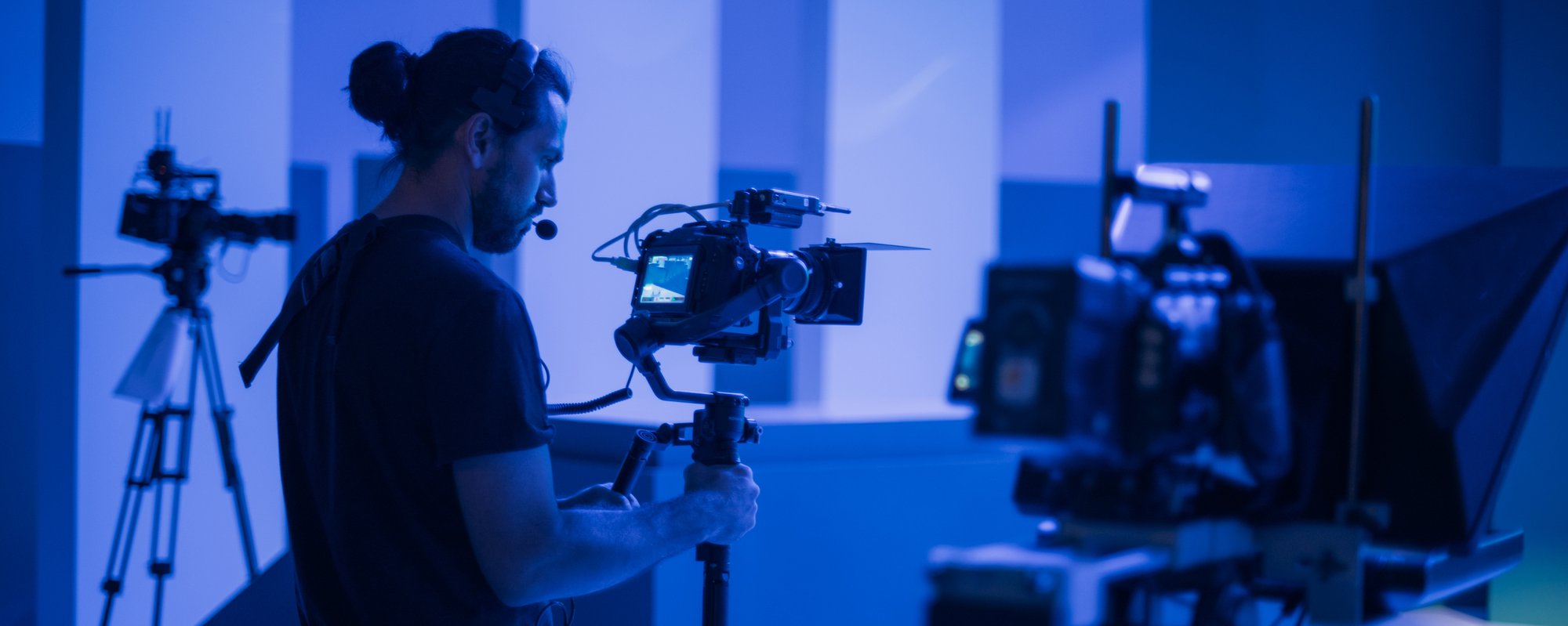
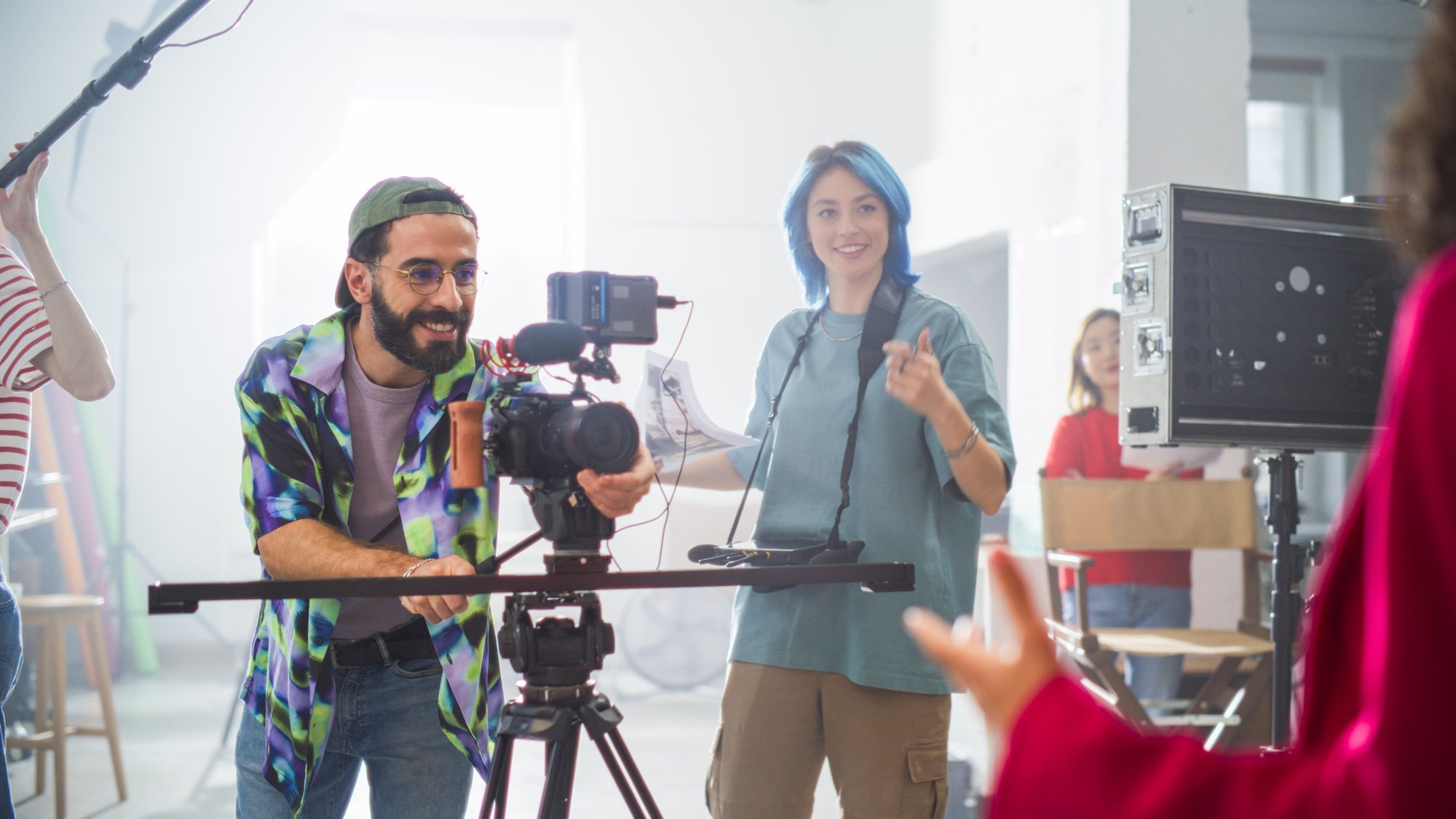
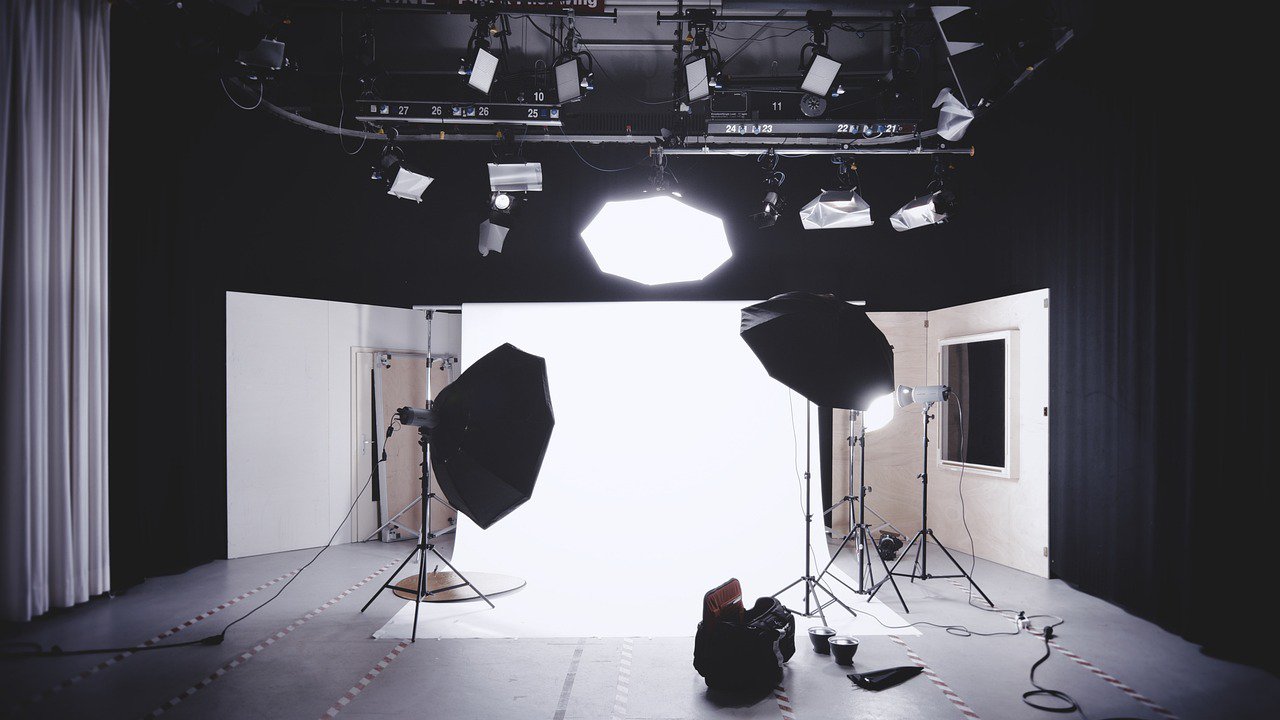
The production monitor lets the crew check the instructor’s position within the picture. Lighting, camera placement and the space around a mat all influence how comfortably a demonstration can be filmed. The finished image may look simple because the working equipment stays outside it.
An Earlier Promo · 2:35
An earlier Restore Your Core promo
Introducing a larger program
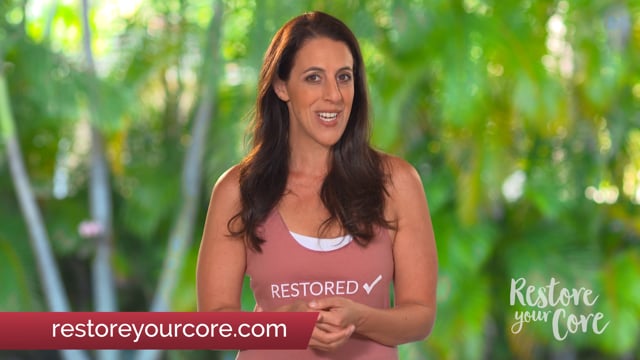
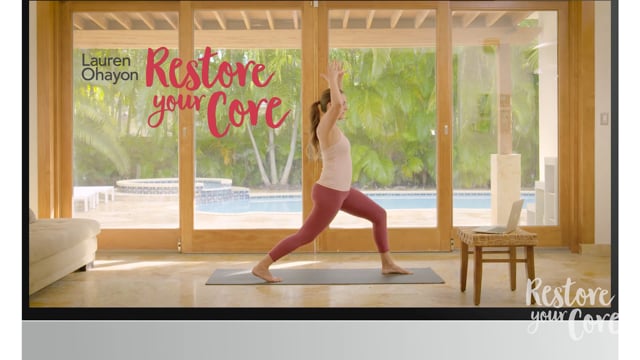
A program promo has a different pace from a lesson. It introduces Lauren and the character of the course through selected demonstrations, speaking sections and other program material. The two promos included here show different presentations of Restore Your Core.
For a business building an online teaching program, both kinds of video have a place: lessons that give the instruction time, and introductions that help a new viewer understand what the program contains.
Planning a video project? Tell us what you have in mind.